
Blog
How to Repurpose One Wedding into Multiple Content Pieces: A Guide for Singapore Vendors
October 12, 2026 · Updated October 12, 2026
Turn one wedding project into useful portfolio, social and service content. A practical guide for Singapore vendors on capturing material, choosing distinct angles and connecting interested couples with your Aven.wedding profile.
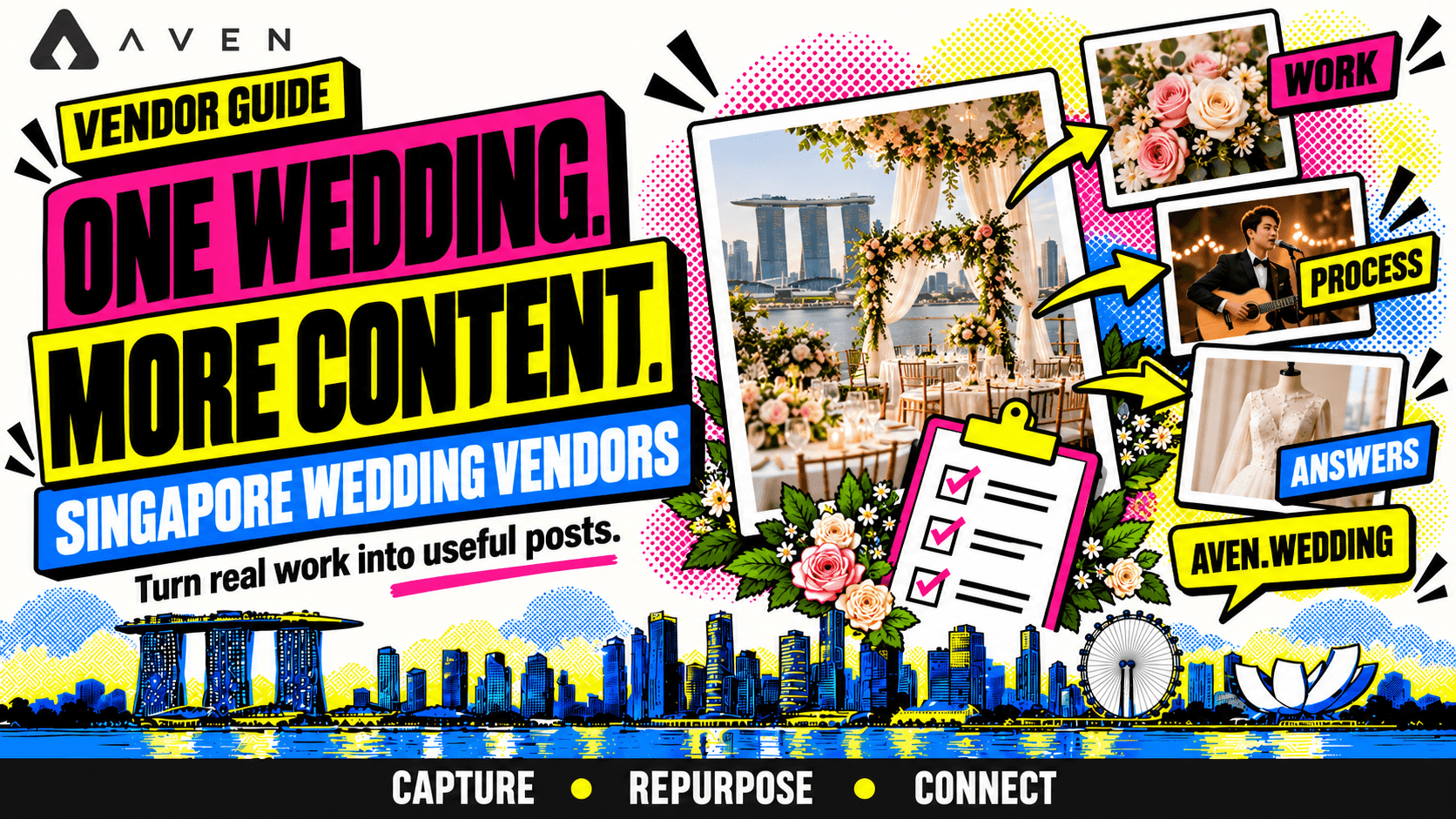
Your completed work can answer more than one question
A wedding project contains more than a finished result.
There is the brief, the preparation, the practical decisions and the service experience. Each can help future couples understand your business.
Repurposing means using material from the same project to communicate different useful points. A portfolio post shows the work. A preparation post explains what couples should know. A service explanation clarifies what they can book.
For Singapore wedding vendors, this can make content planning more manageable while giving interested couples a clearer next step.
Connect relevant posts with your Aven.wedding profile. On the aven.wedding vendor marketplace, couples can connect with vendors, enquire, make bookings and track budgets directly.
This article belongs to our wedding vendor social media guide and the complete Singapore wedding vendor business guide.
Start with the service you provided
Identify your contribution before choosing content ideas.
Ask:
- What did our business provide?
- What did the couple need?
- Which decisions shaped the work?
- What can future couples learn?
- Which service should the content support?
A florist might explain arrangement choices and installation. A boutique might discuss an outfit and fitting process. An entertainer might show how performance sets fitted the programme.
Stay within your contribution. A project involving many vendors should not imply that your business delivered every part of the wedding.
Our content pillars guide helps organise these subjects.
Plan a small amount of useful capture
Before the wedding, identify material you can capture without affecting service delivery.
A practical list might include:
- The finished result.
- One or two meaningful details.
- A preparation step.
- An example of the service in use.
- A short note about a planning decision.
Choose moments that fit your work.
A styling team may capture the setup before guests arrive. A caterer may capture service preparation. A musician may arrange a representative performance recording where permitted.
Assign responsibility so nobody assumes someone else is collecting the material.
The wedding service remains the priority. A short, realistic capture plan is easier to maintain than a long list your team cannot complete.
Confirm what you can share
Agree on content use before publishing.
Check the relevant permissions for:
- Images or recordings featuring clients and guests.
- Material supplied by photographers or videographers.
- Venue access and recording arrangements.
- Collaborative work.
- Testimonials.
- Any restrictions requested by the couple.
Having access to a file does not automatically mean every use is agreed.
Keep private documents and personal details out of public content. If permission is uncertain, use another example or discuss the subject without identifying the wedding.
Our client consent and privacy guide covers the preparation in more detail.
Collect context while the project is fresh
After the wedding, write a short project note.
Include:
- The service scope.
- The brief.
- The setting.
- A practical constraint.
- A decision your team made.
- What the example helps explain.
- Credits and usage arrangements.
For example, a hypothetical florist might note that the brief called for low dining arrangements and that installation had to fit a limited access window.
Those details support several content angles without inventing a story later.
Separate confirmed facts from your interpretation. Avoid presenting assumptions about the couple’s feelings as their own words.
Choose distinct angles from the same project
Give each piece a different purpose.
| Angle | Question it answers | Possible format |
|---|---|---|
| Finished work | What does this service look like? | Gallery or short video |
| Process | How was it prepared? | Behind-the-scenes post |
| Practical answer | What should couples consider? | Checklist or explanation |
| Scope | What did the service include? | Caption or carousel |
| People | Who contributed to the work? | Team or collaboration post |
| Next step | How can we discuss a similar service? | Enquiry invitation |
You do not need every angle for every wedding.
Choose the ones supported by the material and relevant to your offering.
Build a worked example from a styling project
Consider a hypothetical restaurant wedding where your business provided reception floral styling.
The available material includes a wide setup image, detail photographs, installation clips and project notes.
You could create:
- Portfolio post: Show the finished dining setup and identify your scope.
- Detail post: Explain how the arrangement height related to the brief.
- Process video: Show part of the installation sequence.
- Preparation checklist: Explain what venue access details you need.
- Service post: Clarify delivery, installation and collection arrangements.
- Enquiry invitation: Ask couples to share their date, venue and styling areas through your Aven.wedding profile.
This is an illustrative content plan, not a required output count.
Each piece offers a different reason to explore the service.
Adapt the approach across vendor categories
Every category has work and decisions worth explaining.
| Vendor category | Material to capture | Useful second angle |
|---|---|---|
| Venues | A reception layout | How guest movement was considered |
| Bridal boutiques | An approved attire example | What fittings were needed |
| Makeup and hair | A finished look | How the agreed brief guided preparation |
| Planners | Approved planning examples | What information supported coordination |
| Entertainment | A performance excerpt | How sets fitted the programme |
| Caterers | A service setup | What guest requirements affected preparation |
| Photobooths | Booth layout and use | What space and access were needed |
| Photography and videography | Approved project material | How coverage was planned |
| Stationery | Finished printed items | What was checked during proofing |
| Transport | Approved vehicle or route material | What pickup information was required |
Only describe the process that actually applied to the project.
Choose the format after choosing the message
The same material can support different formats, but each format should suit the explanation.
Use:
- A photograph for a clear visual detail.
- A gallery for related examples.
- A short video for movement or a sequence.
- A carousel for steps or scope.
- A written project page for a fuller explanation.
Avoid simply resizing the same post and treating it as a new subject.
For example, an installation clip can become a process video. A still from the project can support a caption about the setup requirement.
Our reel ideas guide helps identify subjects that benefit from video.
Let captions explain the work
Use the caption to add information the visual cannot provide alone.
A practical structure is:
- Identify what the example shows.
- Explain the relevant decision.
- Clarify your contribution.
- Add a suitable next step.
For a hypothetical entertainment post:
“This acoustic set accompanied the reception arrival period. We planned the performance timing around the programme and coordinated the required cues before the day. Exploring live music for your wedding? Share your date and preferred format through our Aven.wedding profile.”
Use accurate details from your project.
Our social media guide explains how captions fit the wider content journey.
Use the project to strengthen your Aven profile
Repurposing should also improve the destination couples reach after your posts.
Review whether the project adds a useful example to your Aven.wedding profile.
Choose material that helps explain:
- Your current services.
- Your approach.
- Relevant settings.
- The scope couples can discuss.
- Your contribution.
Where descriptions are available, add context and identify optional additions.
Your Aven presence can then connect social interest with an enquiry and, when arrangements are agreed, a booking. Couples can also track their wedding budgets directly on the platform.
Our vendor profile guide helps you prepare that information.
Connect interested couples with a relevant next step
Match the invitation to the content.
After a setup explanation, ask couples to share their venue and requirements. After a fitting post, invite an appointment enquiry. After a performance example, ask about the programme and preferred format.
For example:
“Explore our services through our Aven.wedding profile and send your wedding date, venue and required scope.”
Use your actual profile link where supported.
If you have a detailed service page, link to it when the reader needs more explanation first.
Our platforms versus your own website guide explains how these destinations can work together.
Keep the project files and content plan organised
Use a project folder with clear filenames and a simple content record.
Record:
- Content angle.
- Files needed.
- Confirmed facts.
- Credits.
- Usage approval.
- Caption or outline.
- Destination link.
- Publication status.
Keep original material available so future edits do not rely on compressed copies of earlier posts.
If another team member prepares content, the notes should explain what can be said and what needs checking.
Our monthly content plan guide helps turn this record into a manageable schedule.
Space the posts according to their purpose
You do not need to publish every piece from one wedding consecutively.
A useful sequence might show the result first, answer a related question later and use a process example when it fits your plan.
Mix projects and subjects so your account continues to represent the wider offering.
Before reusing an older example, check:
- Does it still represent the service?
- Are the permissions appropriate?
- Are the package details current?
- Does the destination link work?
- Is the explanation still accurate?
Update references where needed.
Do not present an older wedding as a recent project unless it is.
Review which angles help couples understand your service
Assess the conversations the content supports.
Ask:
- Do couples mention an example they saw?
- Which subjects lead to relevant questions?
- Are service misunderstandings reduced?
- Do enquiries fit the offering?
- Which pieces take the most effort to produce?
Record social discovery separately from the enquiry route.
A couple may see a process post and then enquire through Aven.wedding. Both can contribute to the journey.
Our marketing results guide explains how to review content alongside suitable enquiries and bookings.
Frequently asked questions about repurposing wedding content
How many pieces should I create from one wedding?
Create as many useful, distinct pieces as the material supports. There is no compulsory number.
Does this only work for photographers and videographers?
No. Every vendor can explain its own work, preparation and service decisions.
Can I use photographs supplied by another vendor?
Confirm the agreed usage and credits before publishing.
Can I repurpose a styled shoot?
Yes, with appropriate permissions and a clear label. Explain your actual contribution.
Should every piece link to Aven.wedding?
Use the link where it gives interested couples a useful next step. Other pieces can focus on explaining the work.
What if I have no behind-the-scenes footage?
Use approved photographs and genuine project notes. A useful explanation does not require every format.
Build your first project content plan
Choose a completed project and prepare:
- A clear description of your contribution.
- Approved material.
- A short factual project note.
- A few distinct content angles.
- Formats suited to those angles.
- Accurate captions and credits.
- A relevant enquiry destination.
Then improve the place couples will explore next.
Your Aven.wedding profile can help them understand your offering and connect with your business. On aven.wedding, couples can enquire, make bookings and track wedding budgets directly.
Use your project content to show what you provide, then give interested couples a clear route to discuss their own wedding.
Next, explore our reel ideas for Singapore wedding vendors.
Return to the social media guide, or explore the complete Singapore wedding vendor business guide to connect content with sales and operations.