
Blog
Wedding Platforms vs Your Own Website: A Guide for Singapore Wedding Vendors
October 3, 2026 · Updated October 3, 2026
Understand how a wedding platform and your own website can work together. A practical guide for Singapore vendors on discovery, service information, enquiries, bookings and choosing where to focus your effort.
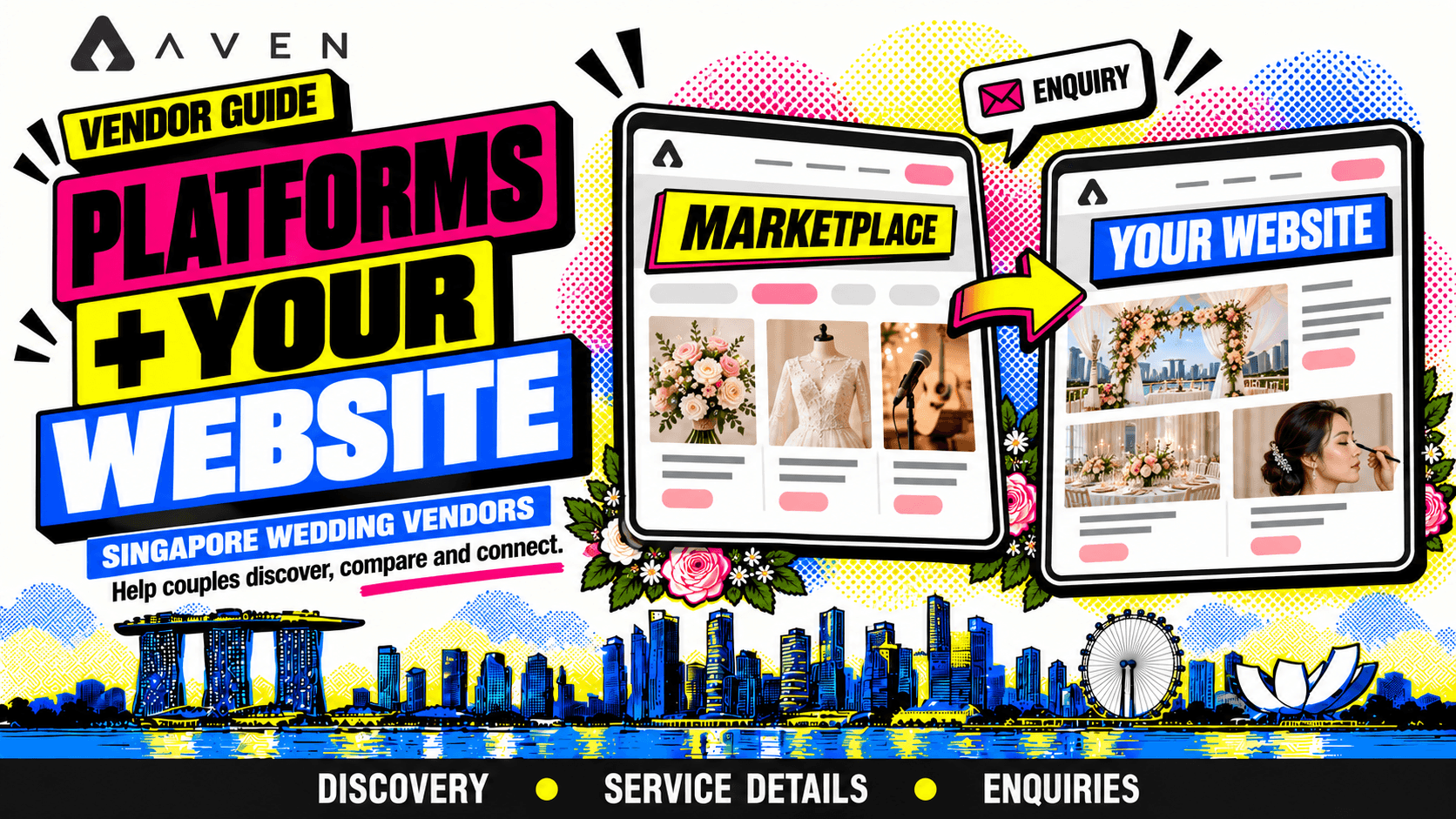
Give each channel a clear job
A couple might discover your business on a wedding platform, explore your website and return to your profile to enquire.
Another couple might find your website first and use a marketplace to organise their vendor choices.
For Singapore wedding vendors, these destinations can support different parts of the same journey.
A platform can introduce your business while couples browse services. Your website can give you more room to explain your approach, show projects and answer practical questions.
The useful decision is how much effort to put into each destination and what it should help couples do.
This applies to venues, bridal boutiques, makeup artists, florists, stylists, planners, photographers, videographers, entertainers, caterers, photobooth providers and other wedding businesses.
This article belongs to our Singapore wedding vendor marketing guide. For the wider framework, explore the complete Singapore wedding vendor business guide.
Understand what a wedding platform can contribute
A wedding platform brings vendors into an environment couples use to explore their options.
Depending on the platform, a vendor presence may include service descriptions, portfolio material, enquiry routes or booking features.
The exact functions and rules vary, so assess the platform you are considering.
Ask:
- Can I explain my core services clearly?
- Can couples understand my work from the available profile format?
- How do enquiries reach me?
- What steps are involved in a booking?
- What information can I review about activity?
- What costs and terms apply?
A listing needs attention after setup. Your descriptions, examples and response process still shape the experience.
Understand what your own website can contribute
Your website gives you space to organise information around your business.
You can build dedicated service pages, present detailed project examples and explain your process in the order that suits your offering.
For example:
- A venue can describe its spaces, layouts and viewing arrangements.
- A boutique can explain attire options and fitting appointments.
- A florist can separate bridal flowers from full wedding styling.
- A planner can clarify different levels of planning support.
- An entertainer can show performance formats and briefing requirements.
A website also requires ongoing work. Someone needs to maintain the information, check links, manage hosting and keep the enquiry route functioning.
Our wedding business website checklist covers the foundations.
Compare their roles in the couple’s journey
Use this table as a planning framework. Individual platforms and websites will differ.
| Need | Wedding platform role | Your website role |
|---|---|---|
| Discover providers | Introduce your business during vendor browsing | Provide pages couples can discover through search, referrals or shared links |
| Understand your offering | Present the core information within the profile format | Explain services in greater depth |
| Explore your work | Show selected portfolio examples | Organise broader galleries or detailed projects |
| Compare scope | Present package or service information where supported | Explain inclusions, options and quotation factors |
| Enquire | Provide the platform’s available contact route | Provide your chosen enquiry route |
| Book | Support the available booking process | Explain your process and provide supported booking steps |
| Maintain information | Update the listing within platform rules | Maintain your pages and website system |
Choose the role you need each channel to perform before judging its value.
Use Aven to connect discovery with practical planning
The aven.wedding vendor marketplace allows couples to connect with vendors, send enquiries, make bookings and track their budgets directly.
For a vendor, a clear presence helps couples understand the service they are considering before starting a conversation.
Prepare:
- A specific introduction to your business.
- Your main services.
- Representative portfolio examples.
- Package scope or quotation guidance.
- Relevant practical details.
- The information needed for an enquiry.
When discussing a booking, make the agreed service and quotation clear so couples understand how it fits their wedding plans and budget.
Our wedding vendor profile guide explains how to prepare this information.
Keep the service facts consistent
Couples should be able to move between your website and vendor profile without finding unexplained differences.
Keep these details aligned:
- Business name and contact information.
- Core services.
- Package inclusions.
- Published prices or quotation guidance.
- Appointment arrangements.
- Service areas.
- Booking process.
- Current promotions, where relevant.
The wording does not need to be identical. A short profile introduction can summarise a longer service page.
If an offer genuinely differs by channel, explain the conditions clearly.
When a package changes, update every destination where the old version appears.
Give your website depth and your profile focus
A marketplace profile should make your offering easy to assess within the available space.
Your website can expand on the details couples need next.
For a hypothetical styling business:
- The profile introduces the styling approach and main services.
- The website explains ceremony and reception scope.
- A project page shows the work in context.
- The enquiry route asks for the date, venue and areas to style.
For a boutique:
- The profile introduces the attire options.
- The website explains appointments, fittings and collection.
- Portfolio examples help couples explore the range.
Use each destination to answer the questions it is best placed to handle.
Plan links around the next useful step
Where linking is supported and permitted, connect destinations that help couples continue their research.
Examples include:
- A vendor profile linking to detailed service information.
- A website linking to your marketplace profile.
- A project example linking to the related service.
- A service page linking to the relevant enquiry route.
Make the destination clear.
If a button leads to your Aven profile, describe that action accurately. If it opens your website enquiry form, explain what couples should submit there.
Avoid sending readers through several pages before they can take a straightforward next step.
Our website conversion guide covers this journey.
Consider the needs of your vendor category
Different services need different information before a couple can assess fit.
| Vendor category | Information worth explaining in depth |
|---|---|
| Venues | Spaces, layouts, guest requirements and viewing process |
| Bridal boutiques | Attire options, appointments, fittings and collection |
| Makeup and hair | Appointment scope, timing, trials and location arrangements |
| Florists and stylists | Areas covered, installation, delivery and teardown |
| Planners | Responsibilities, support level and coordination process |
| Entertainment | Performance formats, languages, sets and technical requirements |
| Caterers | Menus, guest requirements and service formats |
| Photobooths | Session scope, deliverables and setup needs |
| Photography and videography | Coverage, team arrangements and deliverables |
Identify what your profile can explain well and what needs a more detailed page or conversation.
Assess the full effort and cost
Compare more than the visible subscription or setup price.
For a platform, review the current terms that apply to your account. Depending on the service, costs may relate to listings, promotion, transactions or other features.
For your website, consider hosting, domain renewal, design, maintenance and the time needed to keep it useful.
Also consider:
- Time spent preparing content.
- Time spent updating information.
- Time spent responding to enquiries.
- Whether your team can maintain the destination.
- Whether the channel supports the services you want to book.
Check actual terms before committing. Do not assume that every platform uses the same pricing or booking model.
Start with a manageable setup
A new vendor does not need to build every possible page immediately.
A practical starting setup could include:
- A clear vendor profile.
- A simple website with core service information.
- Representative portfolio examples.
- A working enquiry route.
- A process for updating both destinations.
Expand when a real need appears.
If couples repeatedly ask about fitting preparation, add the explanation where it will help. If they cannot understand your styling scope, improve that service page.
If you already have a detailed website, focus on making your marketplace profile consistent and useful.
Our first 90 days guide helps connect these tasks with wider business priorities.
Keep enquiry handling organised across channels
When enquiries arrive through several routes, create a consistent way to review them.
Record the information needed to continue the conversation:
- Where the enquiry arrived.
- Wedding date.
- Required service.
- Current stage.
- Next action.
Use the appropriate channel for the reply and respect the platform’s process.
Check availability and clarify the scope before making commitments. If the same couple contacts you through multiple routes, coordinate your response so the information remains consistent.
Our wedding enquiry reply guide covers the first response. The vendor CRM guide explores organising ongoing conversations.
Review each channel against its intended role
Assess whether each destination is doing the job you assigned it.
For a discovery channel, review whether it introduces your business to suitable couples.
For a detailed service page, review whether it answers questions and supports enquiries.
Useful observations include:
- How couples say they found you.
- Which services they ask about.
- Whether enquiries fit your offering.
- Whether conversations progress.
- Whether bookings result.
- The time and spending involved.
A couple may use both your platform profile and website before deciding. Record what you know without assigning the entire booking to one channel automatically.
Our marketing results guide explains how to review these patterns.
Reduce dependence by keeping business information organised
Keep a working record of your current service descriptions, package details and approved portfolio material.
This makes updates easier across your website, vendor profiles and other channels.
Also know who manages:
- Your domain.
- Website hosting.
- Website access.
- Vendor platform accounts.
- Enquiry inboxes.
- Portfolio permissions and credits.
Use the access and export options available under each provider’s terms. Different services offer different levels of control.
The practical goal is to keep your business information maintainable as your services and channels change.
Frequently asked questions about platforms and vendor websites
Can I use Aven alongside my own website?
Yes. Plan how each destination helps couples understand your service and take the next step.
Can a new vendor start with a marketplace profile?
A profile can be a useful starting destination. Make sure it provides enough information for couples to assess your service and enquire.
Do I still need to maintain my website?
If you use it publicly, keep the information and enquiry route current. An outdated page can create confusion.
Should I copy the same text into every destination?
Keep the facts consistent, but adapt the wording and detail to the available format.
Should I move every platform enquiry to my website?
Follow the platform’s terms and use the route that supports a clear conversation. Additional website information can help where relevant and permitted.
Which channel will bring more bookings?
That depends on your business, offering, audience and execution. Review your own results rather than assuming one channel will always perform better.
Build a connected discovery and enquiry journey
Before expanding either channel, check:
- Your core services are clearly explained.
- Your website and profile contain consistent facts.
- Portfolio examples represent your current work.
- Package scope is understandable.
- Links lead to relevant destinations.
- Couples know how to enquire.
- Your team can manage the resulting conversations.
- You can assess effort, spending and suitable enquiries.
Use your profile to introduce your business clearly and your website to provide the depth couples need.
Next, read how to track wedding vendor marketing results to assess how your channels work together.
Return to the Singapore wedding vendor marketing guide, or explore the complete Singapore wedding vendor business guide to connect discovery with pricing, sales and operations.