
Blog
Wedding Guest Photo Sharing Guide Singapore: How to Collect Everyone's Photos & Videos
September 10, 2026 · Updated September 10, 2026
Collect wedding photos and videos from your guests with practical ideas for QR codes, shared albums, upload links, WhatsApp, privacy, signage and organising guest memories after your Singapore wedding.
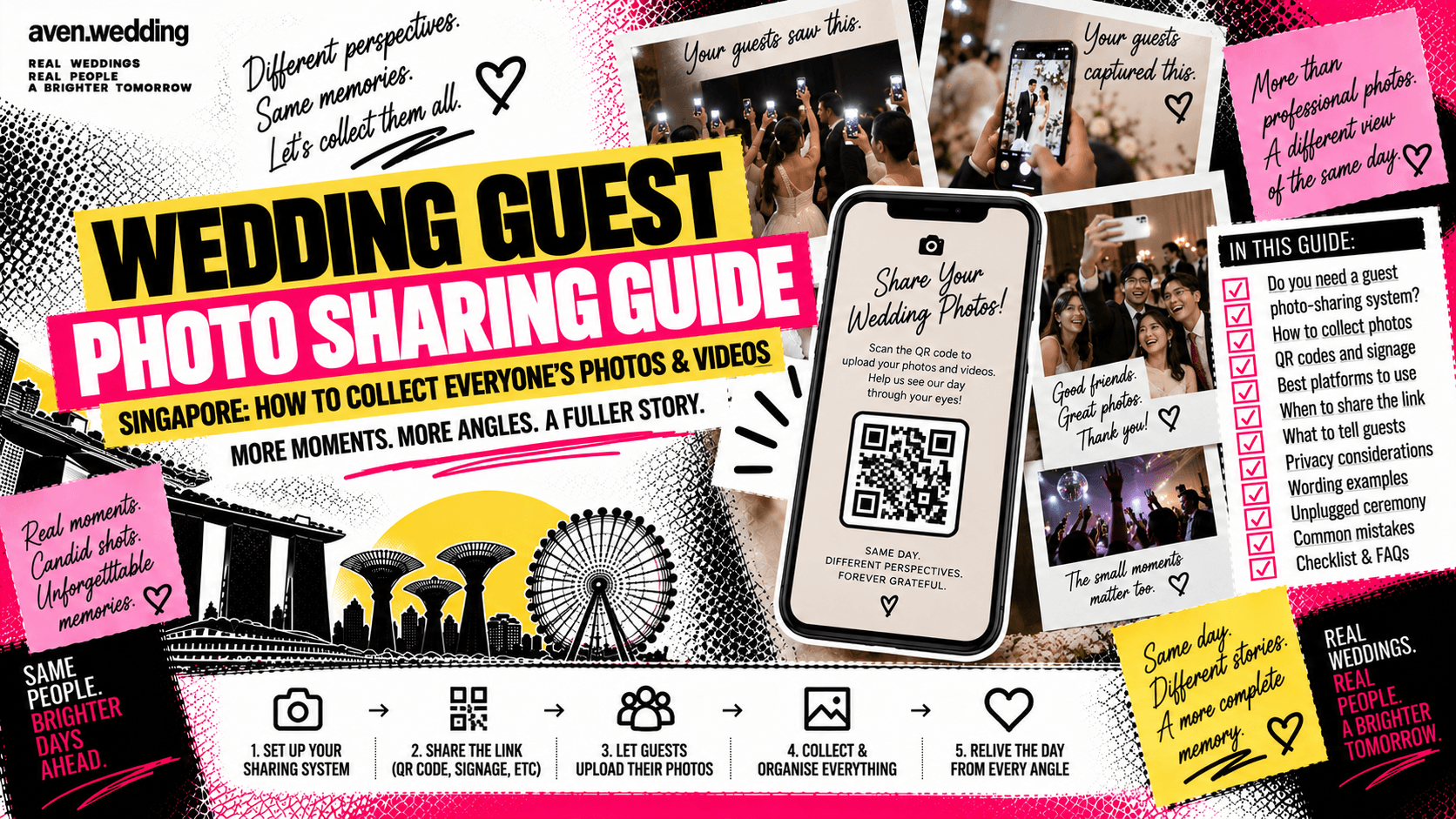
How do you collect wedding photos and videos from your guests?
Your photographer captures the wedding professionally.
Your videographer captures the story.
And meanwhile, 180 guests are creating an entirely different archive on their phones.
The blurry gatecrash reaction.
Your father's expression during the speech.
The table selfie.
The bridesmaids singing in the hotel room.
The five-second clip of your friend absolutely destroying the dance floor.
Many of these moments will never appear in the professional gallery because they happened somewhere else.
The problem is getting everyone to send them to you.
A wedding guest photo sharing system gives guests one simple place to upload the photos and videos they captured throughout your Singapore wedding.
This guide covers QR codes, shared albums, upload links, signage, privacy and how to organise everything afterwards.
For the complete guest journey, start with Aven's Singapore Wedding Guest & Programme Guide.
Do you need a wedding guest photo-sharing system?
No.
But it can be useful if you enjoy candid memories.
Without one, guest photos tend to end up across:
- WhatsApp chats
- Telegram
- Instagram Stories
- Instagram DMs
- AirDrop
- Individual camera rolls
You may spend weeks asking:
"Eh can send me that photo from yesterday?"
A central upload location makes collection much easier.
Does guest photo sharing replace a wedding photographer?
No.
They serve different purposes.
A professional photographer is responsible for intentionally documenting:
- Couple portraits
- Family photographs
- Ceremony moments
- Details
- Key events
- Important reactions
Guest photographs are unpredictable.
That unpredictability is exactly what makes them fun.
Think of guest photos as a second layer of memories rather than a replacement for professional coverage.
Use Aven's How to Choose a Wedding Photographer in Singapore when selecting professional coverage.
What about wedding videography?
The same principle applies.
A guest's vertical phone clip can be hilarious or emotionally meaningful.
But it is not the same as having someone intentionally capture:
- Audio
- Speeches
- Ceremony
- Movement
- Reactions
- Story
- Important transitions
Guest footage complements professional wedding films.
For video planning, use Aven's How to Choose a Wedding Videographer in Singapore.
What is the easiest way to collect wedding guest photos?
Create one central destination.
Then give guests an easy way to reach it.
The basic system is:
Guest takes photo
↓
Guest scans QR code or opens link
↓
Guest uploads photo
↓
Couple receives everything in one place
The fewer steps involved, the more likely guests are to participate.
Can you use a QR code for wedding photo sharing?
Yes.
A QR code can link guests directly to your chosen upload destination.
You can place it on:
- Reception signage
- Table cards
- Wedding programme
- Photo booth area
- Bar
- Guestbook table
Add a short instruction.
For example:
Got a good photo?
Scan to share it with us.
Do not display a QR code with no explanation and expect everyone to know what it does.
Where should you place the wedding photo QR code?
Place it somewhere guests naturally look.
Useful locations include:
- Reception table
- Seating chart area
- Guestbook table
- Individual banquet tables
- Photo booth
- Bar or drinks area
One giant sign at the ballroom entrance may be forgotten by the time guests actually start taking photos.
A small reminder at the table can work well.
Should every banquet table have a QR code?
It can help.
A small table card might say:
SHARE YOUR PHOTOS
Caught something we missed?
Scan here and upload it.
[QR CODE]
Keep the design readable.
Do not let the QR code compete with:
- Table number
- Menu
- Place cards
- Other essential information
Your table should not become an instruction manual.
What should your wedding photo-sharing page include?
Keep it simple.
Guests should immediately understand:
- What the page is
- What they should upload
- Whether videos are accepted
- Whether uploads are private or visible
- How to upload
For example:
Share your view of our wedding
We'd love to see the day through your camera roll.
Upload your favourite photos and videos here.
That's enough.
Can you use a shared photo album?
Yes.
A shared album can allow guests to:
- Upload photographs
- View other uploads
- Save memories
- Contribute after the wedding
Before choosing a platform, check:
- Whether guests need an account
- Whether uploads retain sufficient quality
- Video support
- Storage limits
- Privacy controls
- Ease of use
The easiest system for you is not necessarily the easiest system for 150 guests.
Should guests be able to see everyone else's photos?
That is your choice.
There are two broad approaches.
Shared gallery
Guests can upload and view other people's contributions.
Private collection
Guests upload files, but only the couple or organiser can view everything.
A shared gallery feels more social.
A private upload system gives you more control.
Choose based on the type of wedding and your privacy preferences.
Can you collect wedding photos through WhatsApp?
You can, particularly for smaller weddings.
For example, you might create a family or wedding-party chat.
However, for a large wedding, WhatsApp can become messy.
You may receive:
- Hundreds of messages
- Duplicate photos
- Videos mixed with conversations
- Files spread across different chats
A central upload destination is usually easier for larger guest lists.
Should you create a wedding WhatsApp group for all guests?
Usually, not solely for collecting photos.
A giant guest group can create:
- Too many notifications
- Privacy concerns
- Unwanted conversations
- Confusion about official wedding information
If you already have a guest communication system, simply send the photo-sharing link through it after the wedding.
Use Aven's Wedding Guest Communication Guide Singapore for broader communication planning.
When should you tell guests about photo sharing?
You can introduce it during the wedding itself.
For example:
- Reception signage
- Table cards
- Emcee announcement
- Wedding programme
Then send the link again after the wedding.
Guests may not upload anything while they are busy celebrating.
The next morning, when everyone is scrolling through their camera roll, is often a much better opportunity.
Should the emcee announce the wedding photo-sharing link?
A short mention can help.
For example:
If you've taken any photos or videos today, Dion and Jamie would love to see them. You'll find a QR code on your table that you can use to upload your favourite moments.
That is enough.
Your emcee does not need to explain the entire upload process.
Use Aven's How to Choose a Wedding Emcee in Singapore for wider emcee planning.
When should you send the photo upload link after the wedding?
The day after or within the next few days can work well.
For example:
Thank you again for celebrating with us yesterday! If you took any photos or videos, we'd love to see the day from your perspective. You can upload them here: [link]
This can be combined with your thank you message.
Use Aven's Wedding Thank You Message Guide Singapore for post-wedding wording.
What should you ask guests to upload?
Do not limit them only to beautiful photographs.
Some of the best guest memories are:
- Behind-the-scenes moments
- Funny reactions
- Table photos
- Dance-floor clips
- Getting-ready moments
- Candid family interactions
- Videos before the couple arrived
- Moments after the professional team left
You already have professionals capturing the polished version.
Guest uploads are valuable because they show everything else.
Should you ask guests to upload original-quality files?
If image quality matters to you, use a system that allows suitable file uploads.
Some messaging and social platforms may compress images or videos.
However, do not make the process so complicated that nobody uploads anything.
There is a trade-off between:
Maximum quality
and
Maximum participation
For casual guest memories, ease of use may matter more.
How should you handle privacy?
Think about who can:
- Upload
- View
- Download
- Share
If your wedding includes children or guests who prefer privacy, be especially thoughtful about public galleries.
You can also avoid automatically publishing every upload.
For example, files can first go into a private collection for the couple to review.
Whatever system you choose, make its visibility reasonably clear to guests.
Should guest photos automatically appear on social media?
Usually, it is better not to assume that every uploaded photograph should become public.
A guest may be happy sharing a photograph with the couple without wanting it posted publicly.
If you plan to reuse guest content on:
- TikTok
- Wedding website
- Public gallery
use reasonable judgement and ask where appropriate.
Private sharing and public posting are not the same thing.
What about photos taken during the solemnisation?
You can decide how much phone use you want during the ceremony.
Some couples enjoy seeing the ceremony through everyone's perspective.
Others prefer an unplugged solemnisation so guests remain present and professional photographers have clear sightlines.
If you want an unplugged ceremony, communicate it clearly.
Guests can still contribute photos from the rest of the celebration.
What is an unplugged wedding ceremony?
An unplugged ceremony asks guests to put phones and cameras away during a particular part of the wedding.
For example:
We invite you to be fully present with us during the solemnisation. Please keep phones and cameras away until the ceremony is complete.
This does not mean banning phones from the entire wedding.
You can have:
Unplugged ceremony
and
Guest photo sharing during reception and banquet
at the same wedding.
How do you organise guest photos after the wedding?
Create a simple folder structure.
For example:
Wedding Guest Photos
- Morning
- Gatecrash
- Tea Ceremony
- Solemnisation
- Reception
- Banquet
- Dance Floor
- After Party
You can also organise by contributor or event.
Do not spend six hours organising everything immediately.
Back up the files first.
Sort them later.
Should guest photos be backed up?
Yes, if they matter to you.
Once uploads are complete, keep copies somewhere you control.
Do not assume a temporary sharing service will remain available forever.
Your professional photographer and videographer will manage their own deliverables separately.
Guest content is your responsibility once you collect it.
Can guest photos become part of your wedding album or video?
Potentially.
A funny phone photo or short clip can sometimes become a meaningful part of your personal wedding archive.
If you want a photographer, videographer or editor to incorporate guest-created material into a final product, ask them first.
File quality, format and usage arrangements may affect what is practical.
Do not assume every guest clip can seamlessly become part of a professional film.
Common wedding guest photo-sharing mistakes
Avoid these:
Making uploads complicated
Guests will give up.
Using a QR code with no explanation
Tell people what they are scanning.
Only mentioning it once
Remind guests after the wedding.
Creating a giant WhatsApp group unnecessarily
Think about privacy and notifications.
Automatically making every upload public
Private sharing may be more appropriate.
Forgetting video support
Some of your best memories may be clips.
Expecting guest photos to replace professional coverage
They serve different purposes.
Not backing up the files
Temporary links are not a long-term archive.
Making guests upload during the wedding
Let them celebrate first.
Wedding guest photo-sharing checklist Singapore
Choose your system
- Upload platform selected
- Photo uploads tested
- Video uploads tested
- Account requirements checked
- Storage limits checked
- Privacy settings checked
Create access
- Upload link created
- QR code created
- QR code tested on multiple phones
- Instructions written clearly
Wedding day
- Reception sign prepared
- Table cards prepared if needed
- Emcee briefed if announcing
- Wedding party knows where to upload
- Ceremony phone policy decided
After wedding
- Upload link sent again
- Thank you message sent
- Files downloaded
- Photos organised
- Videos organised
- Backup created
Frequently asked questions about wedding guest photo sharing
Do we need a wedding photo-sharing app?
No. Any suitable system that lets guests upload files easily can work.
Can we use a QR code?
Yes. Link it directly to your chosen upload destination.
Should every table have a QR code?
It can help, but it is optional.
When should guests upload their photos?
They can upload during the wedding, but sending the link again afterwards often improves participation.
Does this replace a photographer?
No. Guest photos complement professional wedding photography.
Can we collect videos too?
Yes, if your chosen system supports them.
Should everyone be able to see the uploaded photos?
That is your choice. You can use either a shared gallery or a private collection.
Can we ask guests not to use phones during the solemnisation?
Yes. An unplugged ceremony can coexist with guest photo sharing during the rest of the wedding.
Should we back up guest photos?
Yes, especially if the sharing platform is temporary.
Your guests saw a different wedding than you did
You saw the aisle.
Your friend at Table 12 saw your mum trying not to cry.
You saw the first march-in.
Your bridesmaid saw the panic five minutes before it.
You were taking photographs with relatives.
Your university friends were recreating a photo from ten years ago.
You cannot be everywhere at your own wedding.
That is what makes guest photos interesting.
They are not perfect.
They are not coordinated.
Sometimes they are badly exposed.
Sometimes someone's thumb is in the corner.
But together, they show you all the little weddings happening around your wedding.
Give everyone one easy place to send those memories.
Then, a few days later, sit down together and see your wedding from everybody else's point of view.
Continue with the Wedding Thank You Message Guide Singapore, Wedding Guest Communication Guide Singapore and Wedding Reception Checklist Singapore.
For professional coverage, use the How to Choose a Wedding Photographer in Singapore and How to Choose a Wedding Videographer in Singapore.
For the complete guest journey, return to the Singapore Wedding Guest & Programme Guide.