
Blog
Ask Claude to update your wedding plan
September 28, 2026 · Updated September 28, 2026
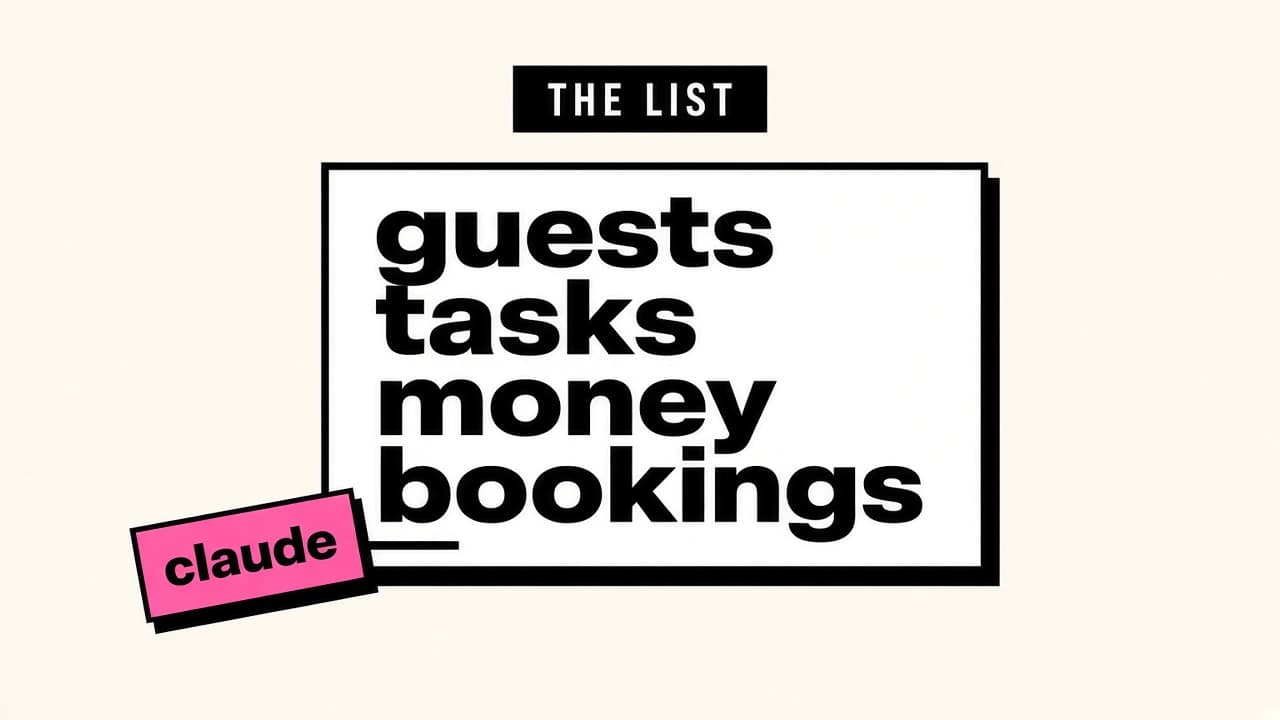
A wedding planner MCP tool: Claude or ChatGPT can read and change the guest list, tasks, budget, and bookings in Aven. You still decide. Connect once from Workspace settings.
The chat is not the plan
The chat forgets. Mum’s plus-one was in WhatsApp. The quote was in email. The headcount you told the hotel was whatever you remembered at lunch.
Aven is the list both of you can open. It is a wedding planner MCP app: a connector lets Claude or ChatGPT see that same list and change it when you ask. The chat is how you talk. The workspace is what stays true.
If you are still deciding whether to self-plan, start here: https://aven.wedding/blog/how-to-self-plan-a-wedding-in-singapore
Ask for the work, not the screen
Say the change in a sentence. You do not need the button names. This is how you plan a wedding with MCP, or plan my wedding with MCP, without learning a new app.
Guests:
- Add my cousin Mei Lin Tan, table not assigned, vegetarian
- Who has not replied for the banquet?
Tasks:
- Add “email the hotel the final headcount” and assign it to me, due next Friday
- What is still not started?
Money:
- Log the banquet deposit we paid yesterday
- What have we already paid the photographer?
Bookings:
- What is booked, and what is the balance left?
The connector can also search the marketplace and open contracts and receipts. This post does not cover that. If you only want the shared plan, guests, tasks, money, and bookings are the four to use.
The guest-list version of this job, without a chat: https://aven.wedding/blog/wedding-rsvp-management-accountability
It can change the real list
A write is a write. If you say “mark those twelve as coming,” the RSVP list changes. If you say “delete that task,” it is deleted.
It will not email a vendor. It will not pay a deposit. It will not invent a headcount you did not already have.
It sees the workspace you see. That includes guest details and personal invite links. Say what you want changed, and read the result.
Revoke disconnects only your own client. Your partner’s stays connected. If you switch weddings, Allow again on the consent screen. Otherwise the assistant is still on the previous one.
Connect once
Finish onboarding in Aven first. Other tools refuse until that is done.
Then open Workspace: https://aven.wedding/settings
Under Connected clients, press Connect. The URL for this wedding planner MCP tool is https://aven.wedding/mcp
Sign in and tap Allow.
The dialog in the app walks through Claude, Cursor, and Codex. ChatGPT can use that same URL. We do not publish ChatGPT’s menu clicks, because we do not control them.
The click-by-click copy, which will go stale, is here: https://aven.wedding/blog/how-to-connect-claude-cursor-or-codex
You are still the planner
You do not need a separate agent to plan the wedding. MCP only connects the chat to the list. The assistant does not call the hotel. It does not walk the banquet floor. It does not hold the timeline when the lift is slow.
If you want a person for that, hire a planner. If you want to stay the planner, keep the list in one place and let the chat edit it when you ask.
The workspace, if you do not have it yet: https://aven.wedding
What belongs in that place: https://aven.wedding/blog/free-singapore-wedding-planner-app