
Blog
Instagram Profile Checklist for Singapore Wedding Vendors: Turn Interest into Enquiries
October 12, 2026 · Updated October 12, 2026
Improve your wedding business Instagram profile with a clear bio, relevant portfolio, useful service information and an enquiry route. A practical checklist for Singapore vendors, including how to connect your profile with Aven.wedding.
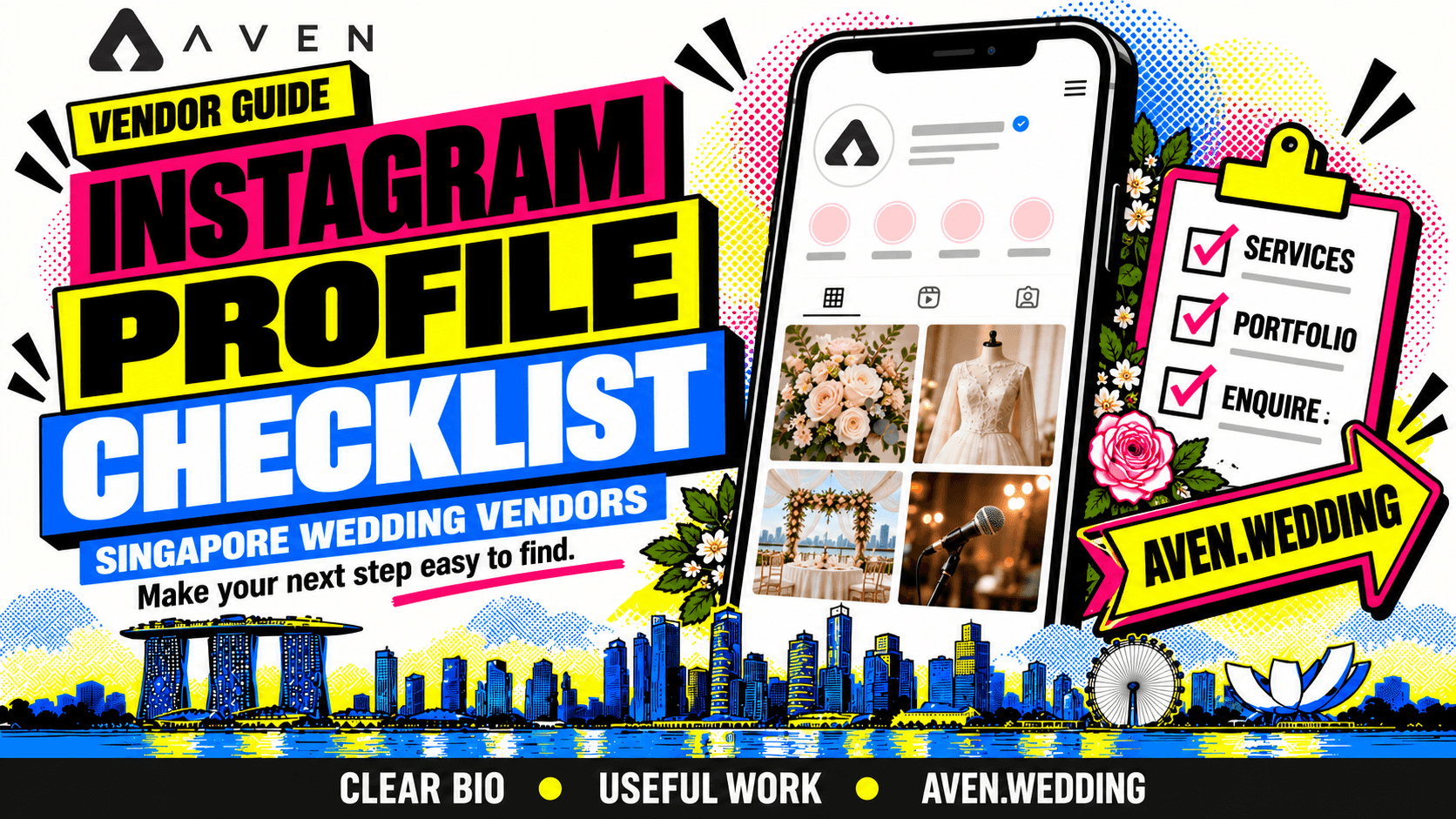
Make your profile useful after a couple discovers your work
A couple sees your wedding work, taps your account and starts exploring.
Can they quickly understand what you provide, whether it suits their wedding and how to enquire?
Your Instagram profile should help them answer those questions. The images attract interest; your descriptions, examples and links help couples continue.
For Singapore wedding vendors, this is an opportunity to connect social discovery with your aven.wedding vendor marketplace presence. Couples can connect with vendors, enquire, make bookings and track their budgets directly.
This checklist applies to venues, bridal boutiques, makeup artists, florists, stylists, planners, photographers, videographers, entertainers, caterers, photobooth providers and other wedding businesses.
It belongs to our wedding vendor social media guide. For the wider framework, explore the complete Singapore wedding vendor business guide.
Start with four questions your profile should answer
Review your account as a first-time visitor.
Within the information visible on your profile, can a couple understand:
- What service do you provide?
- What approach or work can they expect?
- Where do you serve couples?
- How can they take the next step?
These are practical editorial checks, not a ranking formula.
For example, a venue profile should identify the space and viewing route. A bridal beauty profile should explain the service and appointment enquiry. An entertainment profile should help visitors understand the available performance formats.
If the answers depend on scrolling through many unrelated posts, bring the essential information forward.
Keep your business identity recognisable
Use a business name and profile image that couples can connect with your other public destinations.
Check consistency across:
- Instagram.
- Your website.
- Your Aven.wedding profile.
- Quotations and appointment communications.
Your profile image should remain recognisable at a small size. A simple logo or an appropriate portrait can work, depending on your brand.
Review whether your username is easy to share verbally and type correctly.
If you change your account name or handle, check any links and printed material that refer to it.
Our wedding business naming guide covers the wider naming decision.
Write a bio that explains the service
Use the limited space to communicate the essentials.
A useful structure is:
Service + location + specific approach + next step.
For a hypothetical florist:
“Wedding flowers & styling in Singapore Bridal bouquets, ceremonies & receptions Explore our services on Aven.wedding ↓”
For a hypothetical entertainment business:
“Singapore wedding live music Acoustic ceremony & reception sets Services & enquiries via Aven.wedding ↓”
For a hypothetical boutique:
“Bridal gown rental in Singapore Explore our collection & fitting process Appointment enquiries ↓”
Adapt each example to your actual offering and the space available in your account.
Choose concrete details over broad claims. Our brand positioning guide helps you identify what deserves that space.
Give your profile link a clear destination
Choose a destination that helps interested couples continue.
Your Aven.wedding vendor profile can provide a route to explore your services and start an enquiry. Use your actual profile URL rather than sending visitors to a general homepage when the specific profile is available.
Where your account supports link labels, use wording such as:
- “Wedding services & enquiries on Aven”
- “Explore our Aven vendor profile”
- “View packages & enquire”
Use only a label that accurately describes the destination.
If you also link to your website, give it a distinct purpose, such as detailed portfolio examples or appointment information.
Our platforms versus your own website guide explains how to organise these destinations.
Prepare your Aven profile before directing couples to it
A clear Instagram invitation needs a useful destination.
Before linking to your Aven.wedding profile, check that it presents:
- Your main services.
- Representative work.
- Your approach.
- Package scope or quotation guidance.
- Relevant practical information.
- What couples should share in an enquiry.
A couple who sees a reception styling project should be able to understand whether you offer the service shown.
Keep the information consistent with the Instagram post. Identify optional additions where relevant.
The Aven.wedding marketplace allows couples to enquire, make bookings and track wedding budgets directly. Clear service information helps them assess how your offering fits their plans.
Use our vendor profile guide to prepare that destination.
Make your key information easy to find
Use the profile presentation tools available to your account to keep important information accessible.
Useful subjects to feature include:
- An introduction to your business.
- Your core services.
- A representative project.
- How to enquire.
Where available, pinned posts or saved story collections can help organise this information. Review the options in your current account rather than building your plan around a fixed layout.
For an introductory post, explain who you serve, what you provide and where couples can explore further.
For an enquiry post, show the steps and details needed. If you direct couples to Aven.wedding, identify the relevant profile link clearly.
Organise information around your vendor category
Choose categories that help couples assess your service.
| Vendor category | Useful information to make accessible |
|---|---|
| Venues | Spaces, layouts, packages and viewings |
| Bridal boutiques | Collections, appointments and fittings |
| Makeup and hair | Bridal looks, trials and appointment process |
| Florists and stylists | Bridal flowers, styling scope and installation |
| Planners | Support levels, responsibilities and consultations |
| Entertainment | Performance examples, formats and enquiries |
| Caterers | Menus, service formats and guest requirements |
| Photobooths | Booth options, deliverables and setup |
| Photography and videography | Coverage, approach and deliverables |
Use these as planning subjects rather than compulsory labels.
Your profile should reflect the way your business actually operates.
Show the work you want couples to book
Review whether the visible portfolio represents your current offering.
A venue should show relevant spaces and layouts. A makeup artist should show representative looks. An entertainer should help couples assess the performance. A caterer should show the service and presentation.
Check:
- Is the work relevant to your current services?
- Is there enough variety to understand the offering?
- Do captions explain your contribution?
- Are optional upgrades identified?
- Are collaborative projects credited?
- Are styled shoots labelled clearly?
A consistent colour scheme can support recognition, but the service information still needs to be understandable.
Our portfolio guide explains how to select useful examples.
Add context to portfolio captions
Help couples understand what the example involves.
A hypothetical venue caption could explain the layout shown and invite a viewing enquiry.
A hypothetical floral caption could identify the areas styled and explain the delivery and installation scope.
A hypothetical music caption could identify the performance format and programme moment.
Then give a relevant next step:
“Planning a similar setup? Explore our services through our Aven.wedding profile and share your wedding date, venue and requirements.”
Use this invitation where it fits the post. Other posts may simply help couples understand your work.
Our content pillars guide helps you plan a useful mix.
Explain prices and package scope together
If your profile or posts include prices, make the relevant scope clear.
Depending on your service, state:
- Duration or quantity.
- Deliverables.
- Included team members.
- Appointment stages.
- Delivery or setup arrangements.
- Optional additions.
If the quotation is customised, explain which details affect it.
Keep published information aligned with your website and Aven profile. Remove or update old promotions that could create confusion.
A couple exploring your service through Aven.wedding should be able to understand what the quoted offering includes before booking and considering it within their budget.
Our guide to publishing vendor prices explores this decision.
Tell couples what to send in an enquiry
Give interested couples a short, practical prompt.
A useful starting point is:
“Please share your wedding date, venue and required service so we can check the fit.”
Then add category-specific details where needed.
| Vendor category | Useful additional information |
|---|---|
| Makeup and hair | Number of people and readiness time |
| Floristry | Areas to style and reference images |
| Entertainment | Programme and preferred performance format |
| Venues and catering | Estimated guest count |
| Bridal boutiques | Appointment preferences and attire requirements |
| Photobooths | Session timing and guest count |
If enquiries are directed through your Aven profile, mention that route in the invitation.
Our enquiry qualification guide explains what to clarify next.
Coordinate Instagram messages with your enquiry process
Some couples will message you even when a profile link is available.
Respond to the question they asked and explain the next step.
If additional service information is on your Aven profile, share the relevant destination when it helps the conversation. Keep the handover simple and avoid making couples repeat information unnecessarily.
Record the enquiry route and current stage so your team can continue consistently.
If a booking progresses through Aven.wedding, make sure the agreed scope is clear.
Our enquiry reply guide covers the first response, while the vendor CRM guide covers ongoing organisation.
Test the full journey on a phone
Review the profile as a couple might use it.
- Read the bio.
- Open the profile links.
- Explore the featured information.
- Review a relevant project.
- Find the enquiry route.
- Check the information at the destination.
Confirm that your Aven link opens the intended vendor profile.
Ask someone unfamiliar with your business to explain what you offer after reviewing the profile. If they misunderstand the service, revise the wording or examples.
A practical test is more useful than assuming the route is clear because you know your own business.
Review the questions your profile generates
Use enquiry conversations to identify gaps.
Repeated questions about location, package scope or appointments may indicate information that needs to be easier to find.
Enquiries for work you do not provide may suggest that your bio or portfolio is too broad.
Track where couples first discovered you separately from where they contacted you. Someone may see your work on Instagram and enquire through Aven.wedding.
Our marketing results guide explains how to review those roles together.
Update your Instagram profile and Aven presence whenever the service changes.
Frequently asked questions about vendor Instagram profiles
Should I use a logo or portrait as my profile image?
Choose the image that fits your business identity and remains recognisable at a small size.
Should I mention Singapore in my bio?
Include it if it helps couples understand where you provide the service.
Can I link to Aven.wedding and my website?
Use the linking options available to your account and give each destination a clear purpose.
Should every post promote Aven.wedding?
Use the invitation where it helps couples continue. Portfolio, process and educational posts can also stand on their own.
Should I delete older work?
Review whether it still represents your offering. Update captions or remove examples that create a misleading impression.
Will a profile update guarantee enquiries?
No. It improves the information couples encounter, but results also depend on discovery, service fit, availability and execution.
Complete your profile checklist
Before sending more visitors to your account, check:
- Your business identity is recognisable.
- Your bio describes your service.
- Your location or service area is clear.
- Your portfolio reflects your current offering.
- Important information is easy to find.
- Prices have relevant scope where published.
- Couples know what to send.
- Your links work.
- Your Aven profile is current.
- Your team knows how to continue the enquiry.
Use Instagram to introduce your work, then give interested couples a clear route to your Aven.wedding profile.
On aven.wedding, couples can connect with vendors, enquire, make bookings and track their wedding budgets directly. A useful profile helps them take that next step with a clearer understanding of your service.
Next, build your wedding vendor content pillars so your account has a manageable plan beyond the profile setup.
Return to the social media guide, or explore the complete Singapore wedding vendor business guide to connect discovery with bookings and operations.